Compare · 2 products compared
AMD Radeon RX 9060 XT 16GBvsNVIDIA GeForce RTX 5060 Ti 16GB
The AMD Radeon RX 9060 XT 16GB and the NVIDIA GeForce RTX 5060 Ti 16GB both offer generous 16GB frame buffers for modern gaming. Choosing between them comes down to balancing raw clock speeds and lower power demands against advanced memory types and broader display connectivity.
eBay prices refresh hourly — check the listing before you buy. We may earn a commission.
- MOST WINS
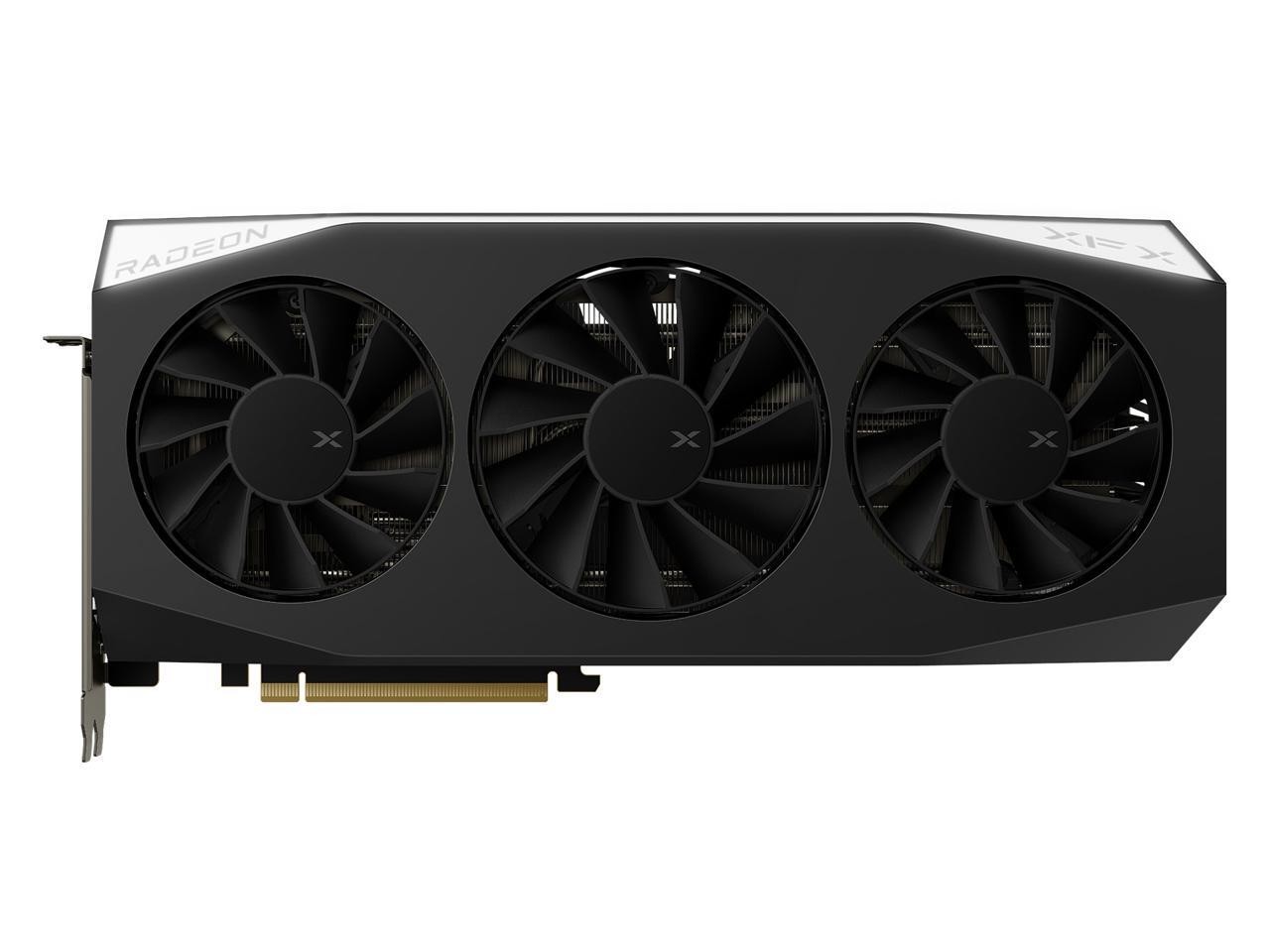
Best for Value-conscious builders wanting lower power draw
Wins8 / 14 
NVIDIA GeForce RTX 5060 Ti 16GB
Best for Users needing faster memory bandwidth and more displays
Wins6 / 14
Biggest differences
Shader cores
NVIDIA GeForce RTX 5060 Ti 16GB leads
2.25×
higher is better
- AMD Radeon RX 9060 XT 16GB2,048 cores
- NVIDIA GeForce RTX 5060 Ti 16GB4,608 cores
PCIe lanes
AMD Radeon RX 9060 XT 16GB leads
2×
higher is better
- AMD Radeon RX 9060 XT 16GB16 lanes
- NVIDIA GeForce RTX 5060 Ti 16GB8 lanes
Memory bandwidth
NVIDIA GeForce RTX 5060 Ti 16GB leads
+40%
higher is better
- AMD Radeon RX 9060 XT 16GB320 GB/s
- NVIDIA GeForce RTX 5060 Ti 16GB448 GB/s
DisplayPort outputs
NVIDIA GeForce RTX 5060 Ti 16GB leads
+50%
higher is better
- AMD Radeon RX 9060 XT 16GB2 ports
- NVIDIA GeForce RTX 5060 Ti 16GB3 ports
Where each one wins
AMD Radeon RX 9060 XT 16GB
- Launch price
- Boost clock
- FP32 compute
- Board power
- Recommended PSU
- PCIe lanes
- HDMI version
- DisplayPort version
NVIDIA GeForce RTX 5060 Ti 16GB
- Shader cores
- Memory type
- Memory bandwidth
- Memory speed
- DisplayPort outputs
- Max displays
What both have
- Video memory16 GB
- Memory bus width128 bit
- Power connectors8-pin
- PCIe version5.0
- HDMI outputs1 ports
- Hardware encodeH.264, HEVC, AV1
Every spec
Red marks the better value in each row.
| Spec | AMD Radeon RX 9060 XT 16GB | NVIDIA GeForce RTX 5060 Ti 16GB |
|---|---|---|
| Overview | ||
| Release date | 2025-06 | 2025-04 |
| Launch price | 349 USD1 | 429 USD |
| Graphics chip | ||
| Architecture | Rdna 4 | Blackwell |
| Shader cores | 2,048 cores | 4,608 cores |
| Boost clock | 3,130 MHz | 2,572 MHz |
| Base clock | Not published | 2,407 MHz |
| FP32 compute | 25.6 TFLOPS | 23.7 TFLOPS |
| Memory | ||
| Video memory | 16 GB | 16 GB |
| Memory type | Gddr6 | Gddr7 |
| Memory bus width | 128 bit | 128 bit |
| Memory bandwidth | 320 GB/s | 448 GB/s |
| Memory speed | 20 Gbps | 28 Gbps |
| Last-level cache | 32 MB | — |
| Power | ||
| Board power | 160 W | 180 W |
| Recommended PSU | 450 W | 500 W |
| Power connectors | 8-pin | 8-pin |
| Interface | ||
| PCIe version | 5.0 | 5.0 |
| PCIe lanes | 16 lanes | 8 lanes |
| Display outputs | ||
| HDMI version | 2.1b | 2.1 |
| DisplayPort version | 2.1a | 2.1 |
| HDMI outputs | 1 ports2 | 1 ports |
| DisplayPort outputs | 2 ports3 | 3 ports |
| Max displays | 3 displays | 4 displays4 |
| Video engine | ||
| Hardware encode | H.264, HEVC, AV1 | H.264, HEVC, AV1 |
| Video encoders | Not published | 1 encoders |
| Size | ||
| Card length | Not published | 241 mm |
| Card height | Not published | 111 mm |
| Slot width | Not published | 2 slots5 |
Notes on 5 values — test conditions and caveats
- 1AMD Radeon RX 9060 XT 16GB, Launch price: Launch MSRP was $349, but most 16GB models initially sold higher; Tom's Hardware saw them starting at $389.
- 2AMD Radeon RX 9060 XT 16GB, HDMI outputs: AMD sells no reference card; this is the reference-design I/O. Partner cards can differ (Sapphire Pulse: 2 HDMI, 1 DP).
- 3AMD Radeon RX 9060 XT 16GB, DisplayPort outputs: AMD sells no reference card; this is the reference-design I/O. Partner cards can differ (Sapphire Pulse: 2 HDMI, 1 DP).
- 4NVIDIA GeForce RTX 5060 Ti 16GB, Max displays: Standard configuration supports up to 4 simultaneous displays based on the 3 DisplayPort and 1 HDMI port count.
- 5NVIDIA GeForce RTX 5060 Ti 16GB, Slot width: Calculated from the published 40 mm width (thickness), typically corresponding to a dual-slot form factor.
Performance and Architecture
The Radeon relies on the Rdna 4 architecture with a boost clock hitting 3,130 MHz, outpacing the Blackwell-based competitor in raw frequency and delivering 25.6 TFLOPS of FP32 compute. Meanwhile, the GeForce packs 4,608 shader cores to handle heavy parallel rendering workloads efficiently despite its lower clock speed.
For most players, the higher boost frequency translates directly into brisk frame pacing during intense gaming sessions without requiring extra thermal overhead.
Memory and Bandwidth
Both cards equip 16 GB of video memory over a 128-bit bus, but their internal approaches diverge significantly. The GeForce steps up to Gddr7 memory, driving speeds up to 28 Gbps and a total memory bandwidth of 448 GB/s.
In contrast, the Radeon utilizes Gddr6 at 20 Gbps alongside a 32 MB last-level cache to keep data flowing smoothly. Gamers pushing high-resolution textures will benefit from the sheer throughput of the faster memory type on the NVIDIA side.
Power and Efficiency
Managing thermal limits is vital for system stability, and the Radeon holds an advantage with a board power of 160 W. This lower energy draw allows builders to pair it with a modest 450 W power supply using a single 8-pin connector.
The GeForce requires slightly more headroom, demanding a 500 W PSU to sustain its 180 W board power. Choosing the AMD card lets you keep system heat and electricity usage a bit lower.
Connectivity and Display
Display outputs vary between the two options, affecting multi-monitor setups and hardware compatibility. The GeForce supports up to 4 simultaneous displays and includes 3 DisplayPort outputs alongside 1 HDMI port.
The Radeon provides 2 DisplayPort and 1 HDMI ports in its reference design, though partner cards can differ. Both options incorporate PCIe 5.0, but the AMD option utilizes a full 16 PCIe lanes compared to the 8 lanes on the NVIDIA card.
The Verdict
Buy the AMD Radeon RX 9060 XT 16GB if you want lower power consumption, higher clock speeds, and a lower launch price. Buy the NVIDIA GeForce RTX 5060 Ti 16GB if you prefer faster Gddr7 memory bandwidth and support for up to 4 displays.
Where to buy
AMD Radeon RX 9060 XT 16GB
Best for Value-conscious builders wanting lower power draw
NVIDIA GeForce RTX 5060 Ti 16GB
Best for Users needing faster memory bandwidth and more displays
FAQ
What is the launch price difference between these two graphics cards?
The AMD Radeon RX 9060 XT 16GB launched at $349, while the NVIDIA GeForce RTX 5060 Ti 16GB launched at $429.
Do both cards use the same type of video memory?
No, the AMD card uses Gddr6 memory running at 20 Gbps, whereas the NVIDIA card features faster Gddr7 memory running at 28 Gbps.
What power supply is recommended for each card?
The Radeon requires a recommended PSU of 450 W, while the GeForce recommends a 500 W PSU.
How many displays can each card support?
The Radeon supports up to 3 displays, while the GeForce supports up to 4 simultaneous displays.
Spotted something wrong? Tap the next to any section or spec group to let us know. Every report is read.